What applications can I use in the EXAM examination environment?
- In the examination computers, besides the browser, only the following applications are available: Windows Calculator, Excel, Word (without spell check), Adobe Reader, Notepad, OneNote, Paint, 7Zip, SPSS, R, R-studio, and UMLet.
- The computers have limited internet access and can only connect to the EXAM system. The use of USB drives or other storage devices is blocked.
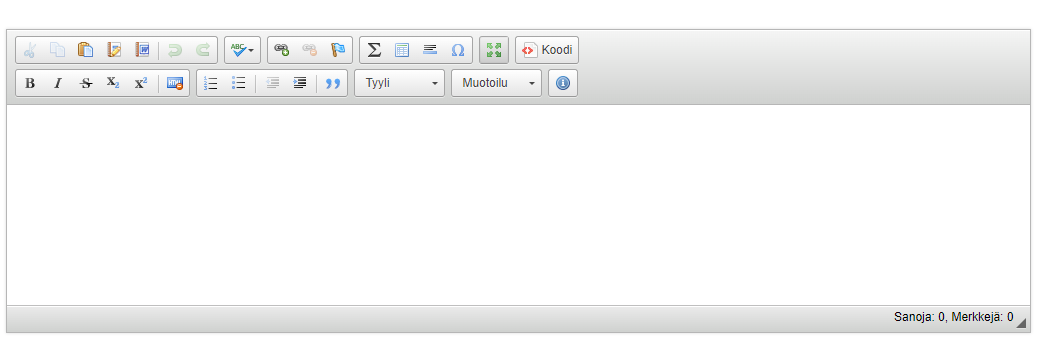
- There is no scratch paper available in the examination room for drafting answers. You will respond to exam questions using the user-friendly editor within the EXAM system, where you can also format text and use features such as a formula editor.
- Tip: Expand the answer text field by clicking on the Enlarge button.
- If you wish, you can also use the Notepad application for planning your answers or draw using the OneNote application.
- You can also open any additional material attached to your exam question as a PDF file.
- You do not have access to any other applications on the examination computers besides those listed above.